The Scene That Plays Out Every Evening
You're standing in the kitchen at 5:30 PM, scrolling through your meal planning app, trying to figure out what's for dinner. Your partner walks in and asks, "What are we having tonight?"
You tell them. They frown. "I already took chicken out of the freezer this morning."
Nobody told you. There's no way to tell you — because your meal planning app was built for one person.
This is the daily reality for millions of households trying to use single-user apps to coordinate something that is, by nature, a group activity. Meal planning isn't a solo sport. Shopping isn't a solo sport. But almost every app on the market treats it like one.
The Single-User Problem
Most meal planning apps were designed with a simple assumption: one person plans the meals, one person shops, one person cooks. That might work for someone living alone. It falls apart the moment a second person enters the picture.
Here's what households actually deal with:
Shared logins. When an app has no multi-user support, couples resort to sharing a single account. Both people log in with the same email and password. It sort of works — until one person deletes a recipe the other was planning to make, or edits the grocery list while the other is shopping from it. There's no way to know who changed what or when.
Separate accounts. The alternative to shared logins is maintaining two completely separate accounts. Now you each have your own recipe collection, your own meal plan, and your own grocery list. Every recipe has to be shared manually — screenshot it, text it, copy the link. You're using a digital tool but coordinating like it's 1995.
The one-planner bottleneck. In most households, meal planning defaults to one person simply because the app makes it impossible for two people to collaborate. That person becomes the bottleneck for every food decision. What's for dinner Tuesday? Ask them. Did we add pasta to the grocery list? Ask them. Can we have tacos this week? Ask them.
Grocery list chaos. Without a shared, real-time grocery list, families resort to texting items back and forth, keeping a notepad on the fridge, or — the classic — calling from the store to ask, "Do we need milk?" Half the time you come home with duplicates. The other half, you forget something. We compared paper vs. digital approaches in our digital vs. paper grocery lists guide — the difference for families is enormous.
What "Household Support" Actually Means
Some apps claim household or family features, but there's a wide range between "we added a share button" and "we built this for families." Here's what genuine household support looks like:
Separate accounts, shared data. Every person in the household has their own login. They see the same recipes, the same meal plan, and the same grocery list — but each person has their own identity. You can see who added a recipe, who checked off an item, and who planned tonight's dinner.
Real-time sync. When your partner adds something to the grocery list while you're already at the store, it appears on your phone immediately. When someone drags a meal to a different day, everyone's calendar updates. No refreshing, no texting "I just changed the plan" — it just works.
Role flexibility. Not everyone in the household plays the same role. One person might do most of the cooking and want full control over recipes. Another might just want to add items to the grocery list. Kids might want to rate meals or request their favorites. A family-ready app accommodates all of these without forcing everyone into the same workflow.
Kid involvement without kid accounts. Young children don't need email accounts to participate in meal planning. They should be able to pick an avatar, rate meals with simple thumbs-up or thumbs-down, and request recipes they love — all without creating a full user account.
One subscription for everyone. If the app charges for premium features, one payment should cover the whole household. Per-seat pricing for a family app is a dealbreaker. (Looking at you, Plan to Eat.)
Five Questions to Ask Before Picking a Meal Planning App
If you're evaluating meal planning apps for your household, these questions will save you from the most common frustrations:
1. Can every household member have their own account? If the answer is "share a login," you'll run into conflicts within a week. Look for apps that support multiple accounts under one household.
2. Do changes sync in real time? If your partner adds something to the grocery list, do you see it immediately? Or do you have to refresh, re-open the app, or wait for a sync cycle? Real-time sync is the difference between a tool that works for two people and one that works against them.
3. Can more than one person edit the meal plan? In some apps, only the "owner" can modify the plan. Everyone else can only view it. That defeats the purpose of collaboration. Every household member should be able to add, remove, and rearrange meals.
4. How does it handle kids? If you have children, check whether the app has a kid-friendly mode. Can kids browse meals without accidentally deleting recipes? Can they rate what they liked? Do they need a separate email account?
5. What does the paid plan actually include? Some apps gate household sharing behind a premium tier. Others charge per seat. The best apps include sharing in the free tier and charge for power features like recipe import or AI tools — so your whole family can use the basics without paying anything.
Workarounds Families Shouldn't Need
If you've been using a single-user meal planning app with your household, you've probably invented some of these workarounds:
-
The shared Google Sheet — A spreadsheet with this week's meals, shared via Google Drive. Works until someone forgets to update it. No recipe details, no grocery integration, no mobile-friendly view.
-
The WhatsApp or text group — "Can you add eggs to the list?" "What's for dinner Wednesday?" "I already bought milk, take it off." A constant stream of messages that no one scrolls back through.
-
The screenshot workflow — Find a recipe in one app, screenshot it, send it to your partner. They screenshot it back when they're cooking. Good luck finding it again next month.
-
The fridge notepad — Write the meal plan on paper and stick it to the fridge. Everyone can see it — but only when they're standing in the kitchen. Not helpful at the grocery store.
-
The "just ask me" system — One person keeps the entire meal plan in their head. Everyone else asks them. Works until that person is busy, tired, or not home.
These workarounds exist because the apps aren't doing their job. You shouldn't need three tools to do what one app should handle. If you're shopping for alternatives, our best meal planning apps guide breaks down what each option actually gets right (and wrong).
What to Look For Instead
The right meal planning app makes coordination invisible. You shouldn't have to think about sharing — recipes, plans, and lists should be shared by default because everyone is part of the same household.
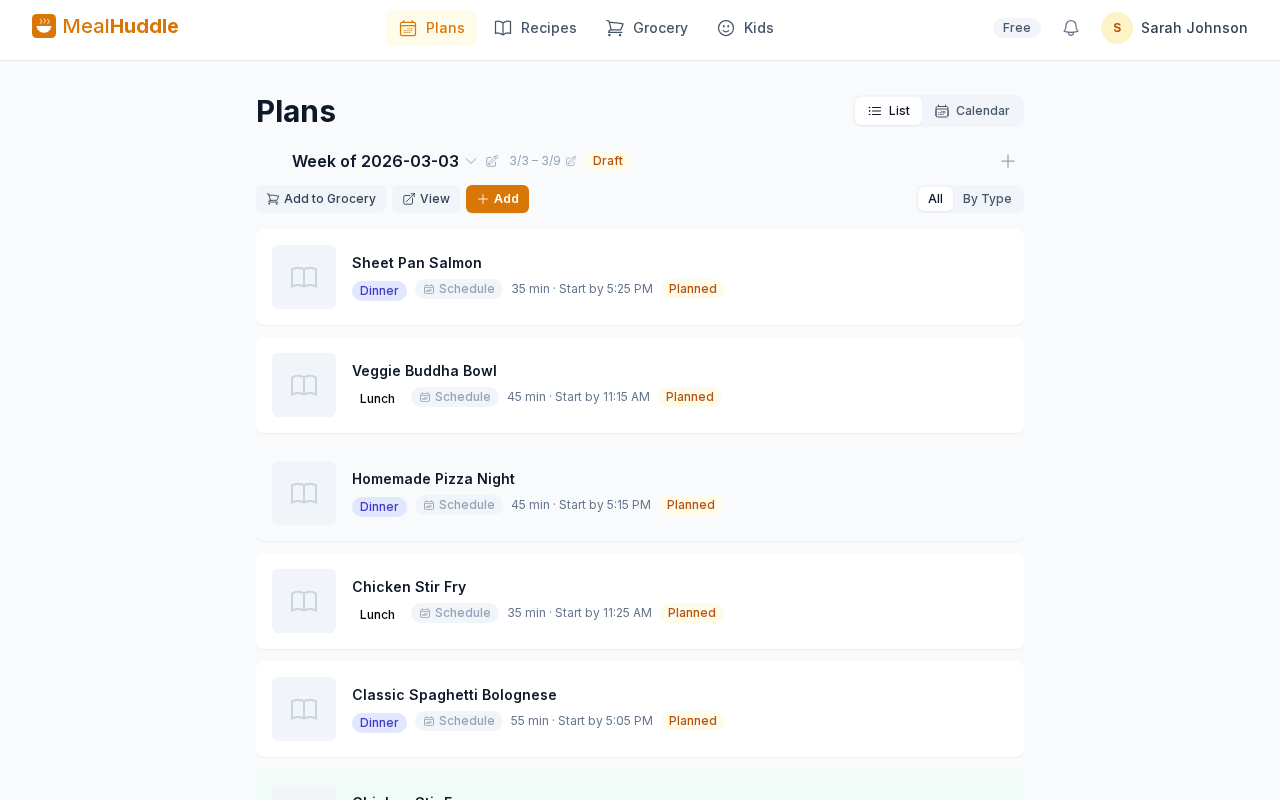
MealHuddle was built this way from day one. Every member of your household gets their own account. Recipes, meal plans, and grocery lists are shared automatically. Changes appear in real time. Kids can rate meals and request favorites. And one free tier covers your whole family — no per-seat charges, no premium paywall for basic sharing.
If you've been patching together screenshots, shared logins, and group texts to make meal planning work for your household, it might be time to try an app that was actually built for more than one person.