Every meal planning app wants to be the place you plan. Then reality shows up: it's 7 a.m., someone notices we're out of milk, and the fastest thing in the kitchen is a marker. The whiteboard on the fridge wins because it costs nothing to use. No login, no taps, no thinking about which screen you're on.
We plan that way too. Our board usually has two things on it: what we need from the store, and sometimes what we're cooking this week. The problem was never the board. It was the second step: typing it all into the app so the grocery list is on our phones at the store, and so the plan is there for everyone else in the house.
Take a picture of your list
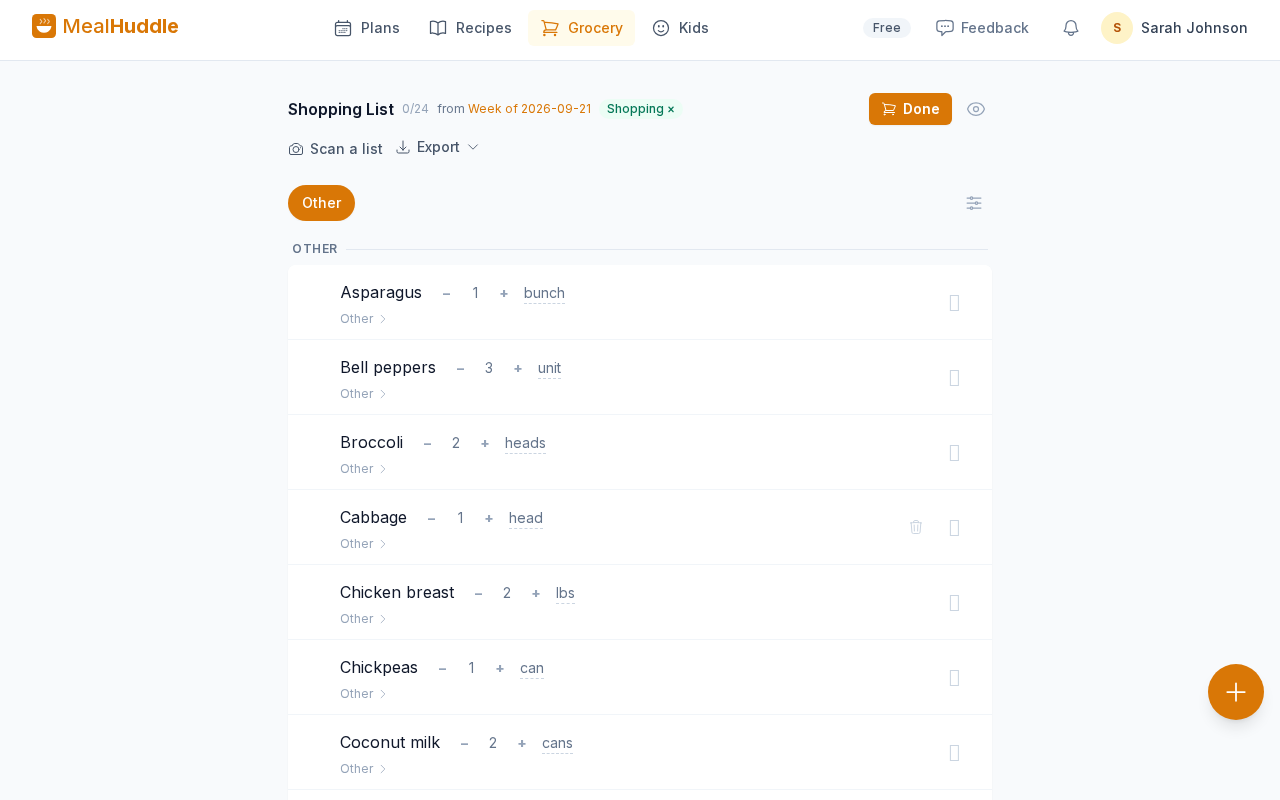
That second step is now a photo. Open MealHuddle, tap Scan a list (it's at the top of Plans, on the Grocery page, and in the quick-add button on your phone), and photograph the board. Or the notepad. Or the sticky note on the counter. Or a screenshot of the text your partner sent from the store.
MealHuddle reads it and does the sorting:
- Meals from groceries. "Tacos" and "chicken stir fry" are meals. "2 gal milk" and "eggs" are things to buy. Headings like "Dinners" or "Store" help, but it works without them.
- Day labels stay. "Tue – tacos" lands on Tuesday in this week's plan.
- Crossed-out lines are skipped. If you've already grabbed it and struck it through, it starts unchecked.
- Quantities come along. "2 gal milk" becomes milk, 2, gallons, and merges with milk if it's already on your list.
- Your recipes and pantry are matched. If "chicken stir fry" is a recipe you've saved, the meal links to it. If "milk" is in your pantry, the grocery line links to it, with the right department.
You check every line first
Handwriting is handwriting. So nothing is added until you've looked at the import screen: every line it read, marked meal or grocery, with the name it settled on and the recipe or pantry item it matched. You can rename a line, flip it from grocery to meal, unlink a wrong match, pick a day, fix a quantity, or uncheck it. Then one tap adds the meals to the plan that covers this week and the items to your grocery list. The full walkthrough is on the List Scan page.
If it reads your board badly, that screen is also how we find out. Tell us what it got wrong from the Feedback button at the top of the app; every report is read.
Why this beats "just use the app"
Because the board isn't going anywhere. It's the shared surface everyone in the house already looks at, and it works with wet hands. What changes is that the board is no longer a dead end. Whoever is at the store has the list on their phone, whoever is cooking sees the plan, and the kids can rate what got made.
List Scan is part of MealHuddle Pro, which comes with a 14-day free trial and no credit card. If you already plan on a whiteboard, that's the whole setup: keep the marker.